Try it

Demo version · Feedback wanted

Plans with your people.

Spark Hub is a shared calendar for your friends & neighbors. Anyone can start an event, and everyone can pitch in.

It's an early prototype. Everything you'll see inside is sample content.
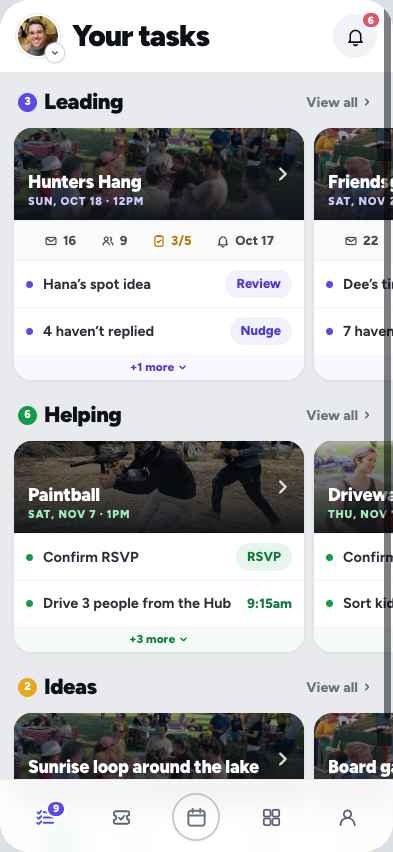
Your tasks screen: events you're leading and helping with
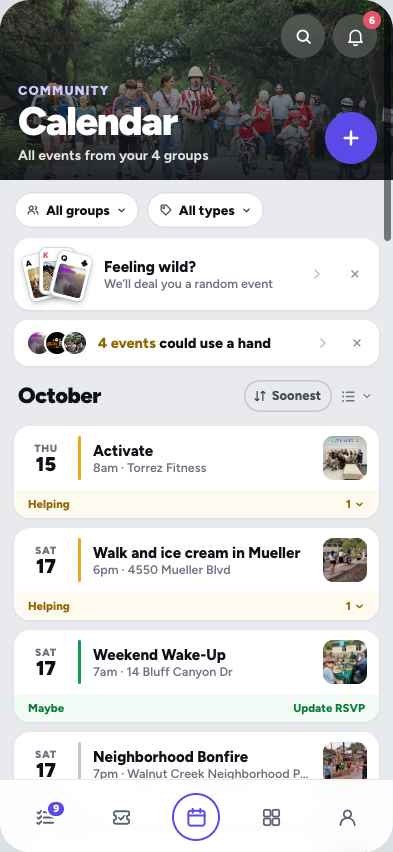
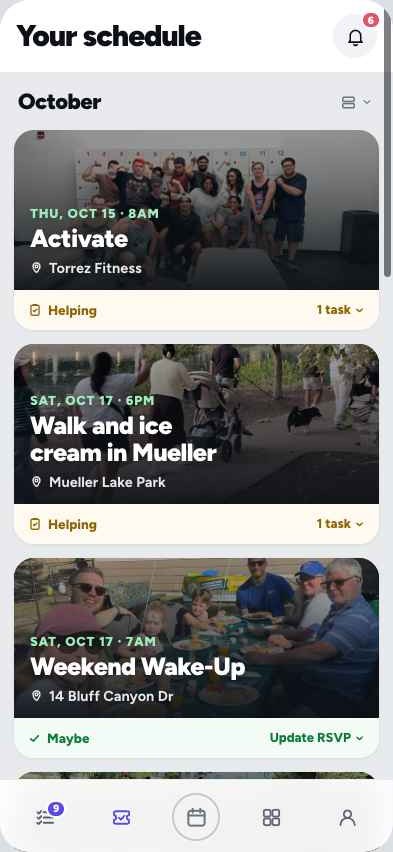
Calendar screen: upcoming events across four groups, with Feeling wild? and 4 events could use a hand
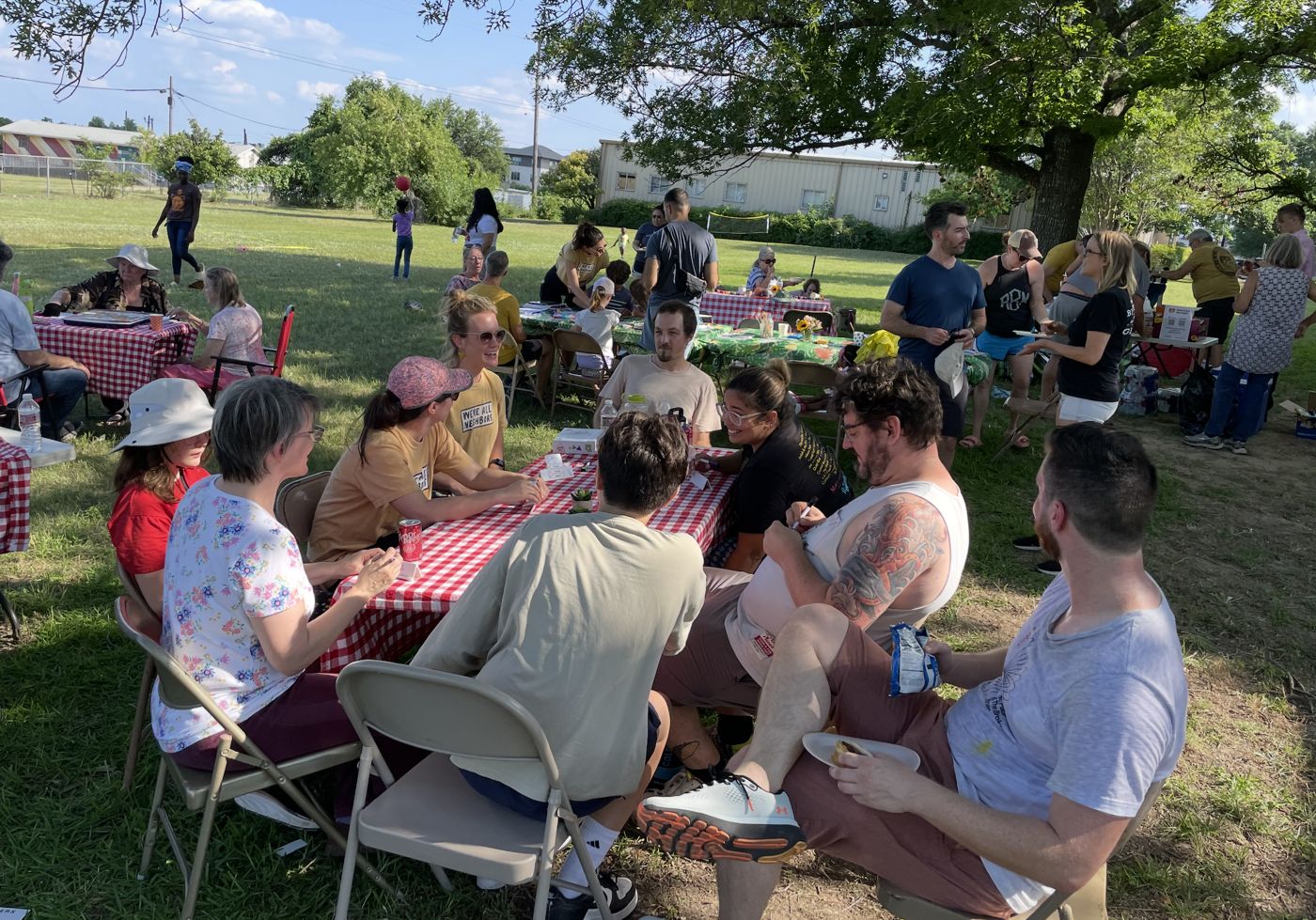
Neighbors at checkered picnic tables in a park
The kind of afternoon Spark Hub is for.
Gym crew47 new
Danawe should do a chili cook-off this fall
MarcusYES
YouI'm in!
38 messages about something else
Priyawait, when was the chili thing?
nobody answers

The problem

How many plans have died in your group chat?

  • "We should do this" scrolls away.
  • Nobody knows who's coming or who's bringing what.
  • One person ends up doing all the organizing.

Spark Hub gives each group one place for plans, with the work split up.

How it works
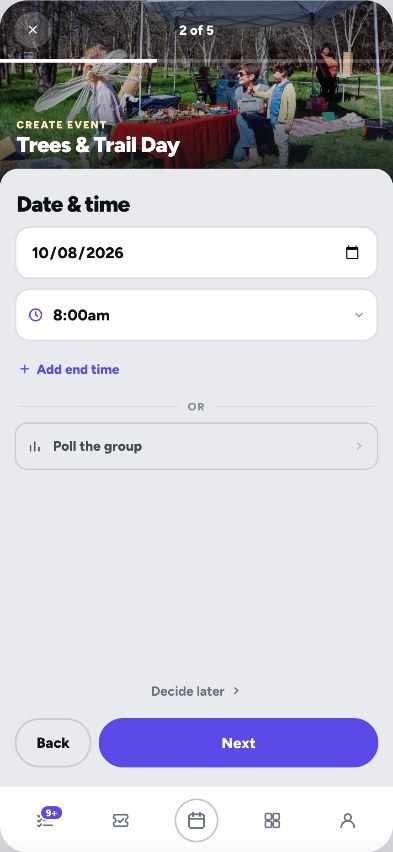
Post it half-planned. Let the group fill in the rest.

Create event, step 2 of 5: Date & time for Trees & Trail Day, with Poll the group and Decide later

1Post it rough

Just a name and a date. Leave the rest TBD.
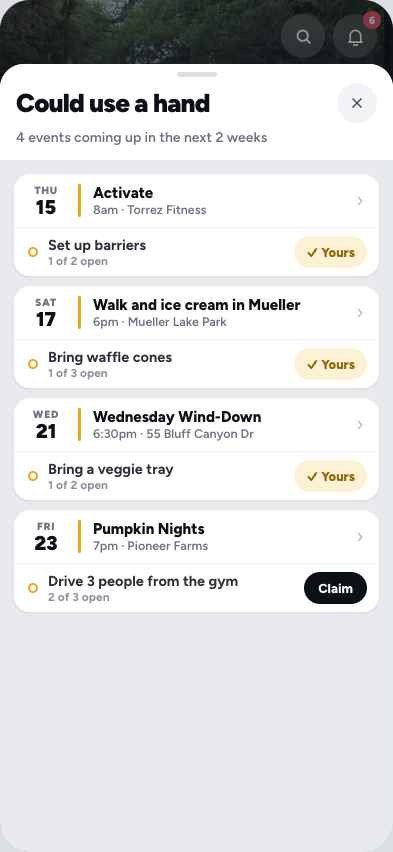
Could use a hand: open jobs in the next two weeks with Yours and Claim buttons

2Everyone pitches in

Grab a job, pick a shift, bring a dish.
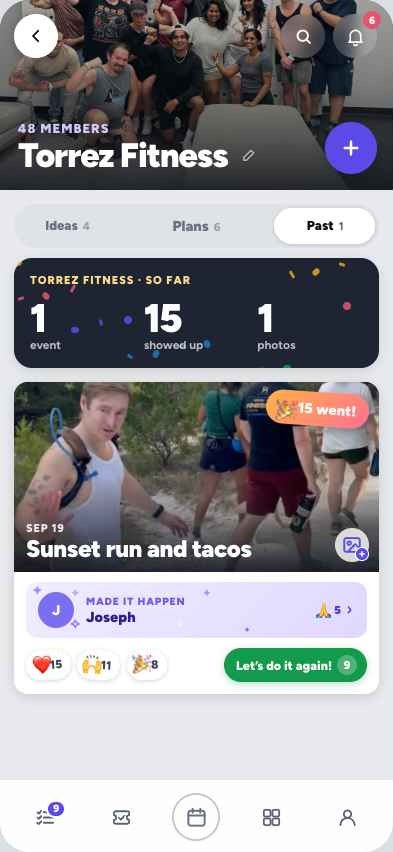
A group's Past tab: a so-far recap, a photo from Sunset run and tacos, reactions and Let's do it again

3Make it happen

Photos, thanks, and "Let's do it again."

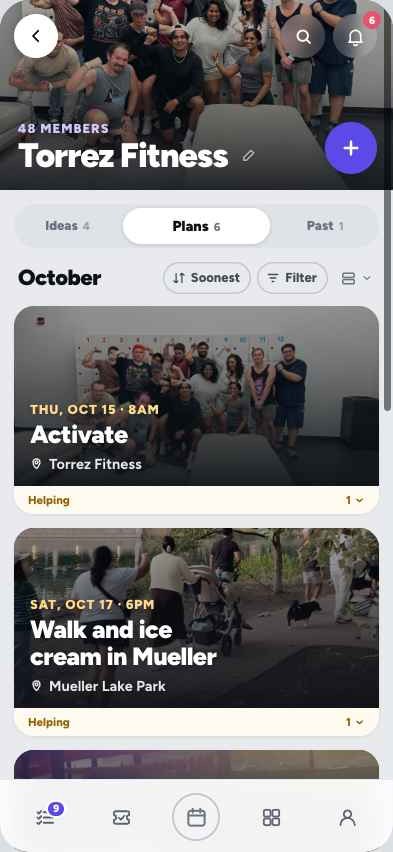
Leading: you started it Helping: you took a job Going: you'll be there

A look around

More of the app.

What makes it different

Everyone brings a piece.

TBD is fine

Post it half-planned

Most event tools want a date and place up front. Here you can post with "to be decided" and let the group vote.

Helping

The work gets shared

Jobs, shifts and "bring something" lists are part of every event. "Could use a hand" shows open jobs across all your groups.

One account

One calendar for all your groups

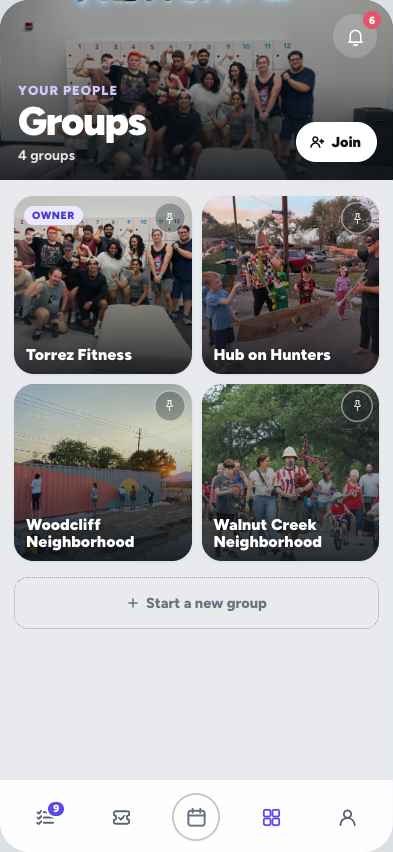
Your gym, your street and your kid's school, together in one place.

Leading

The host gets a to-do list

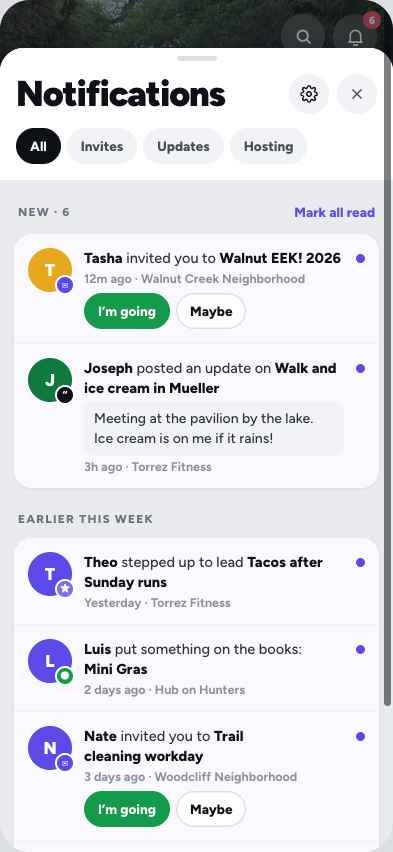
"Your tasks" shows exactly what's left. When the date, time or place changes, everyone gets the update automatically.

Past

It remembers what happened

Albums, thank-yous and a scrapbook of past events add up to your group's story.

Feeling wild?

It's playful

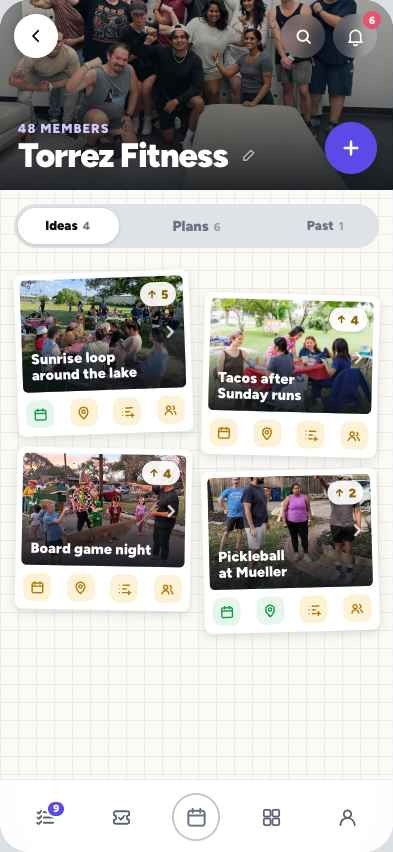
Deal yourself a random event, tag along to where most people are going, and swipe between your group's ideas, plans and past events.

Being upfront

What's not done yet.

What I'm asking you

Two small things.

Try it for 10 minutes On your phone

Gut-check the idea

  • Would your group (gym, street, PTA, friends) use this instead of the group chat?
  • What would stop you?
  • Would you actually use it without email or phone alerts?
  • Is the loop right? Post it half-planned, the group fills it in, it happens, you remember it.
How to send feedback (text, email, a form) and by when.

How to try it

Open this on your phone.

sparkhub.wereallneighbors.org Open

When you sign in, you'll be added to four demo groups full of sample events. The people and plans in them are made up, so don't show up to the potluck.
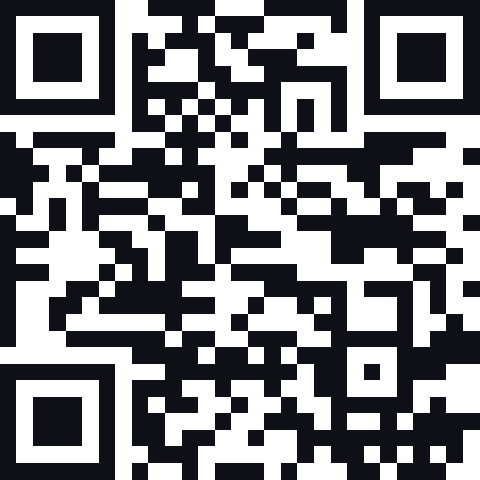
QR code for sparkhub.wereallneighbors.org

On a computer?

Point your phone's camera at this code to open Spark Hub there.

iPhone

  1. Open the link in Safari
  2. Tap Share, then "Add to Home Screen"
  3. Open Spark Hub from your home screen and sign in

Android

  1. Open the link in Chrome
  2. Tap the ⋮ menu, then "Add to Home screen" or "Install app"
  3. Open it and sign in with Google or an email code